Farmers in Maharashtra need a Farmer ID (also called Shetkari Olakpatra) to use government farming programs. This ID is part of the AgriStack Maharashtra Farmer Registry (MHFR) system and is required for benefits starting April 15, 2025.
Who Can Apply
To get a Farmer ID, you must:
- Live in Maharashtra
- Own or farm land in Maharashtra
- Have an Aadhaar-linked bank account
- Be at least 18 years old
- Have updated land records (7/12 and 8A documents)
Required Documents
Before starting, keep these ready:
- Aadhaar Card (for identity check)
- Land Records (7/12 and 8A documents from Mahabhulekh)
- Bank Passbook (for benefit transfers)
- Mobile Number (Aadhaar-linked for OTP)
- Passport-size Photo (for your digital ID)
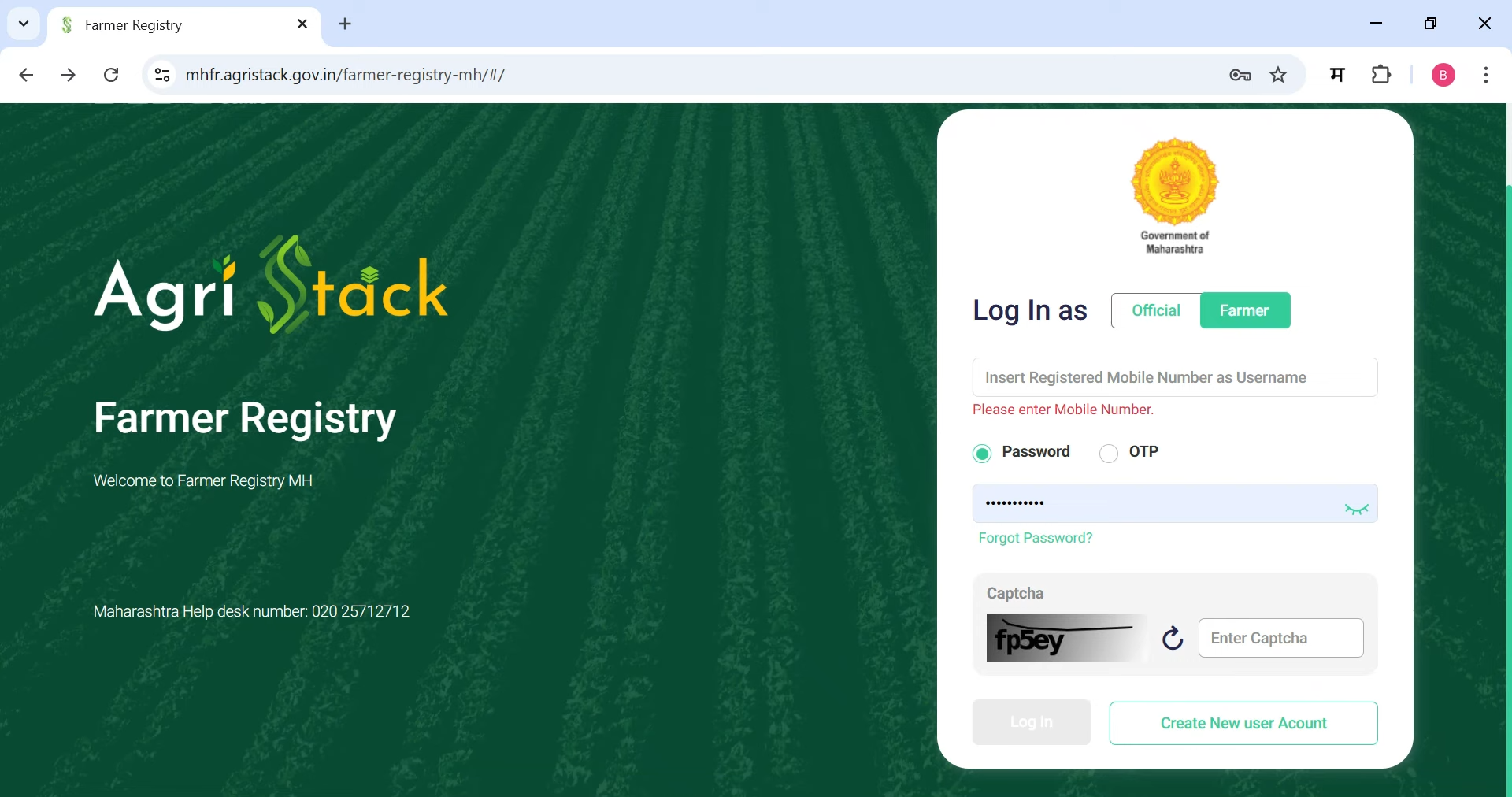
Step 1: Visit the Official Website
Go to mhfr.agristack.gov.in. You'll see options for "Login," "Official," and "Farmer." Click Farmer.
Step 2: Create an Account
If you're new, you need to sign up:
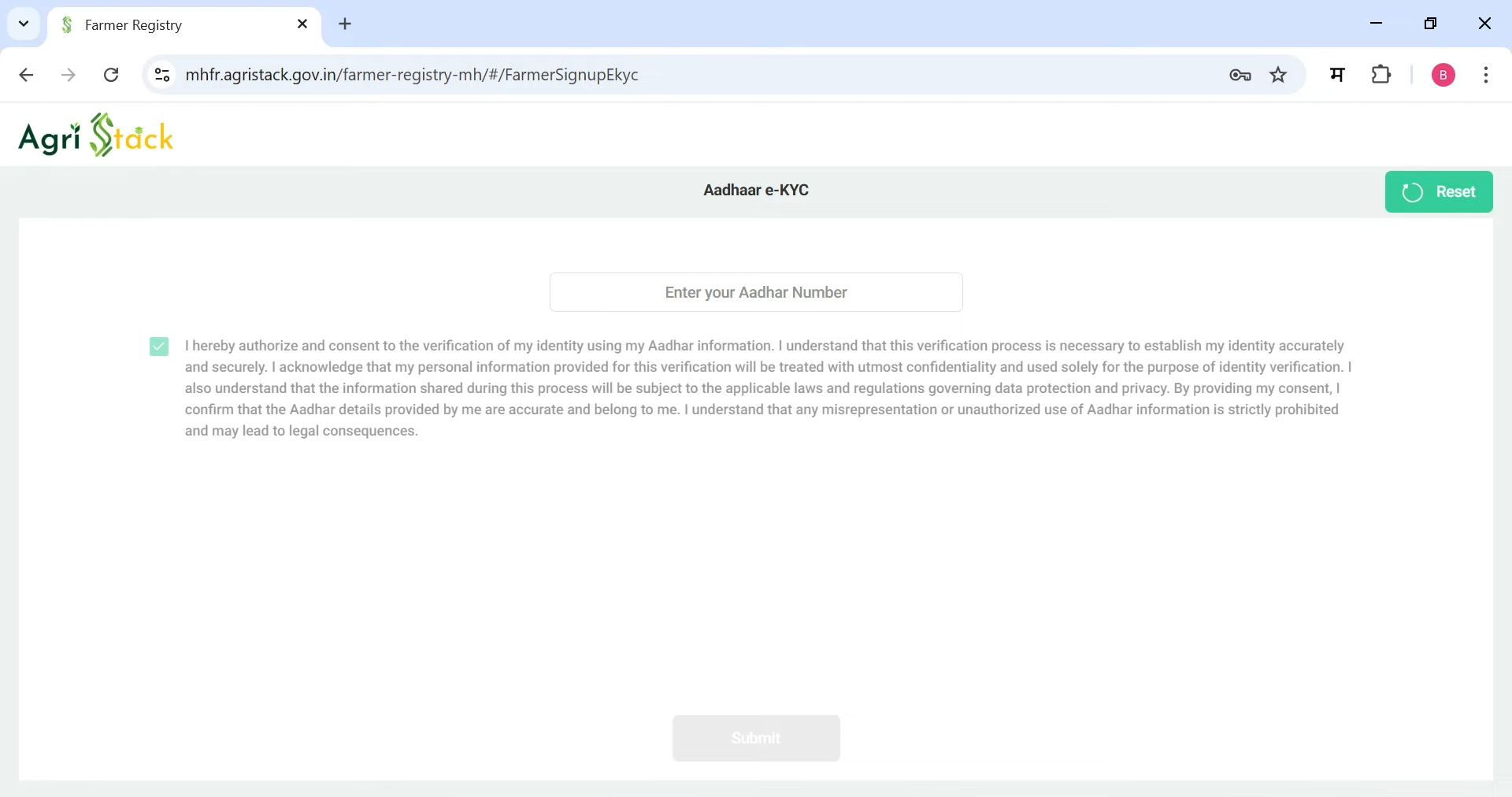
- Click Create New Account.
- Enter your Aadhaar number and click Submit.
- An OTP will be sent to your Aadhaar-linked mobile number. Enter the OTP and click Verify.
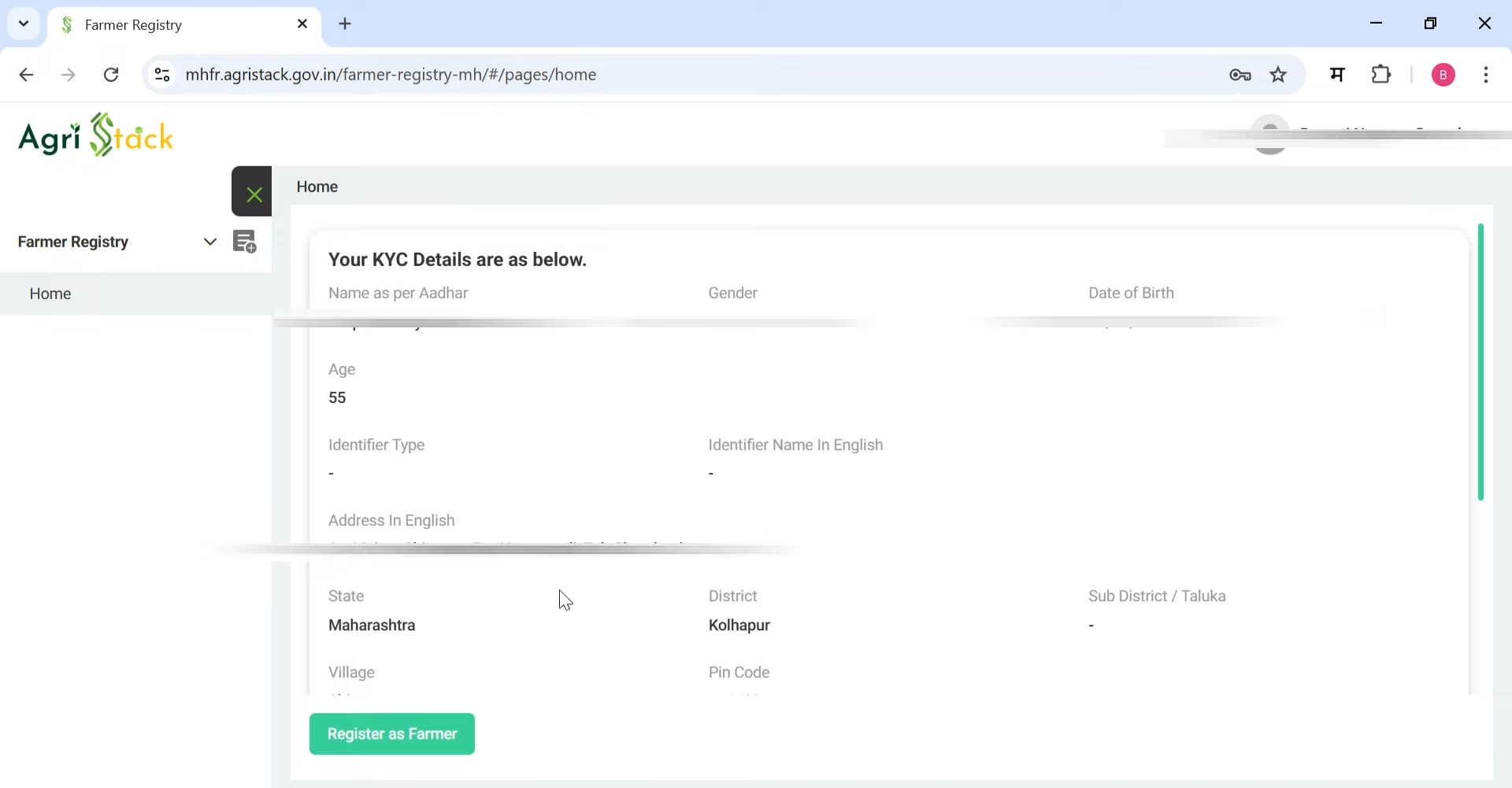
- You'll see the last four digits of your Aadhaar and your details (name, gender, date of birth, and address from Aadhaar).
Step 3: Link Your Mobile Number
Scroll down and enter your mobile number to link with the AgriStack platform. Click Send OTP, enter the OTP sent to your phone, and click Verify. You'll see a message saying your mobile number is verified.
Step 4: Set a Password
Type a password for your account, then type it again to confirm. Click Create My Account. You'll see a message saying your account is created. Your user ID is your mobile number, and you'll use the password you set to log in.
Step 5: Log In
Go back to mhfr.agristack.gov.in, click Farmer, and enter your mobile number and password. Fill in the captcha and click Login. Your details will appear again.
Step 6: Register as a Farmer
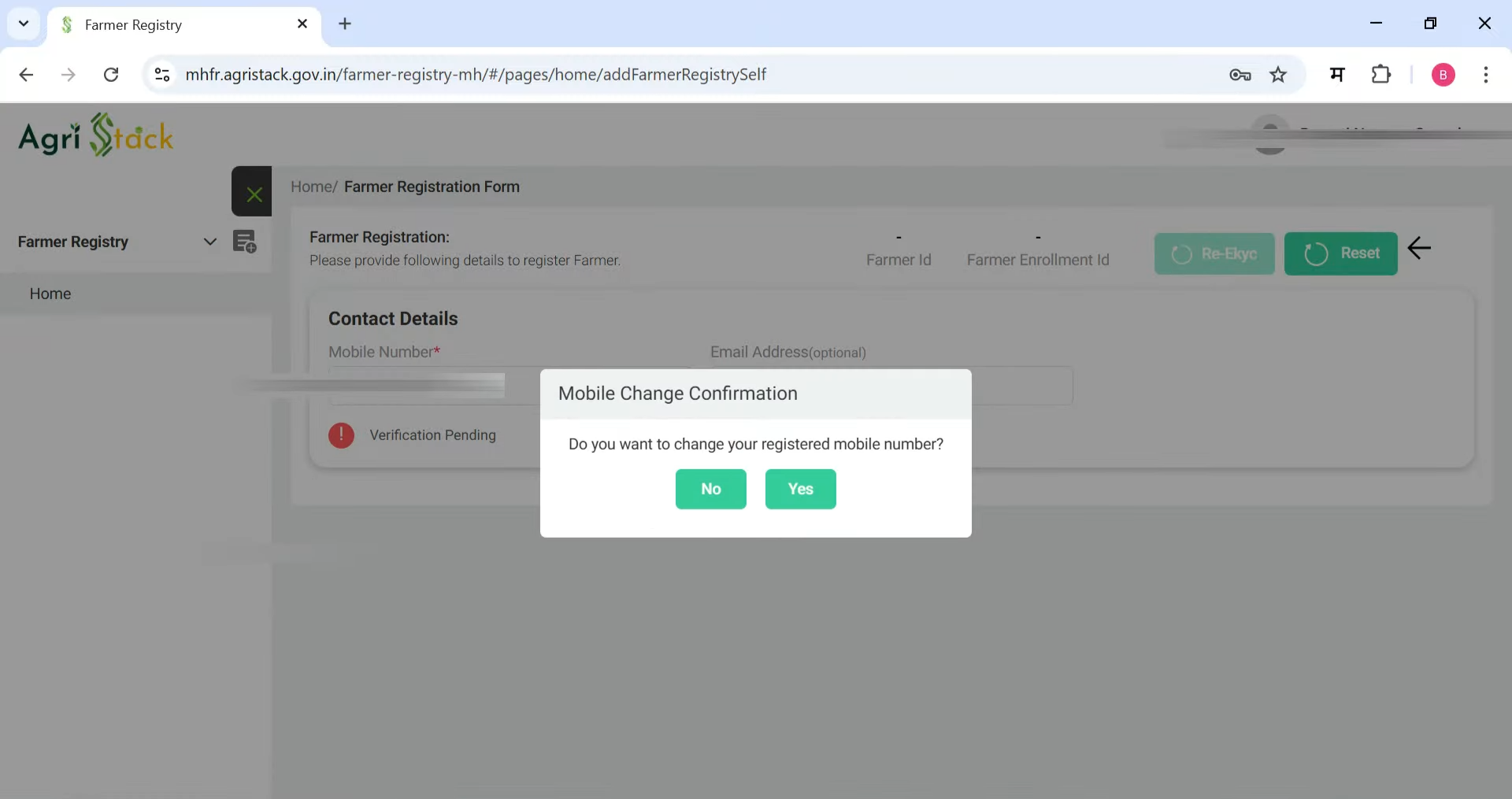
Click Register HAZ Farmer. If you want to change your mobile number, you can; otherwise, click No. If you have an email ID, enter and verify it; if not, skip this step. Then:
- Select your gender.
- Choose your category (SC, ST, OBC, or General).
- In the "Care of" section, select "Son of," "Wife of," or "Care of," and type the name in Marathi or your local language.
- For Business, click No if you're not doing any business, or Yes if you are.
- Check your address under "Residential Details." If it's wrong, click Insert Latest Residential Details and enter your district, taluka, village, and pincode.
Step 7: Add Land Details
Under Land Holder Details, select if you're the owner, tenant, or sharecropper (co-owner). Then:
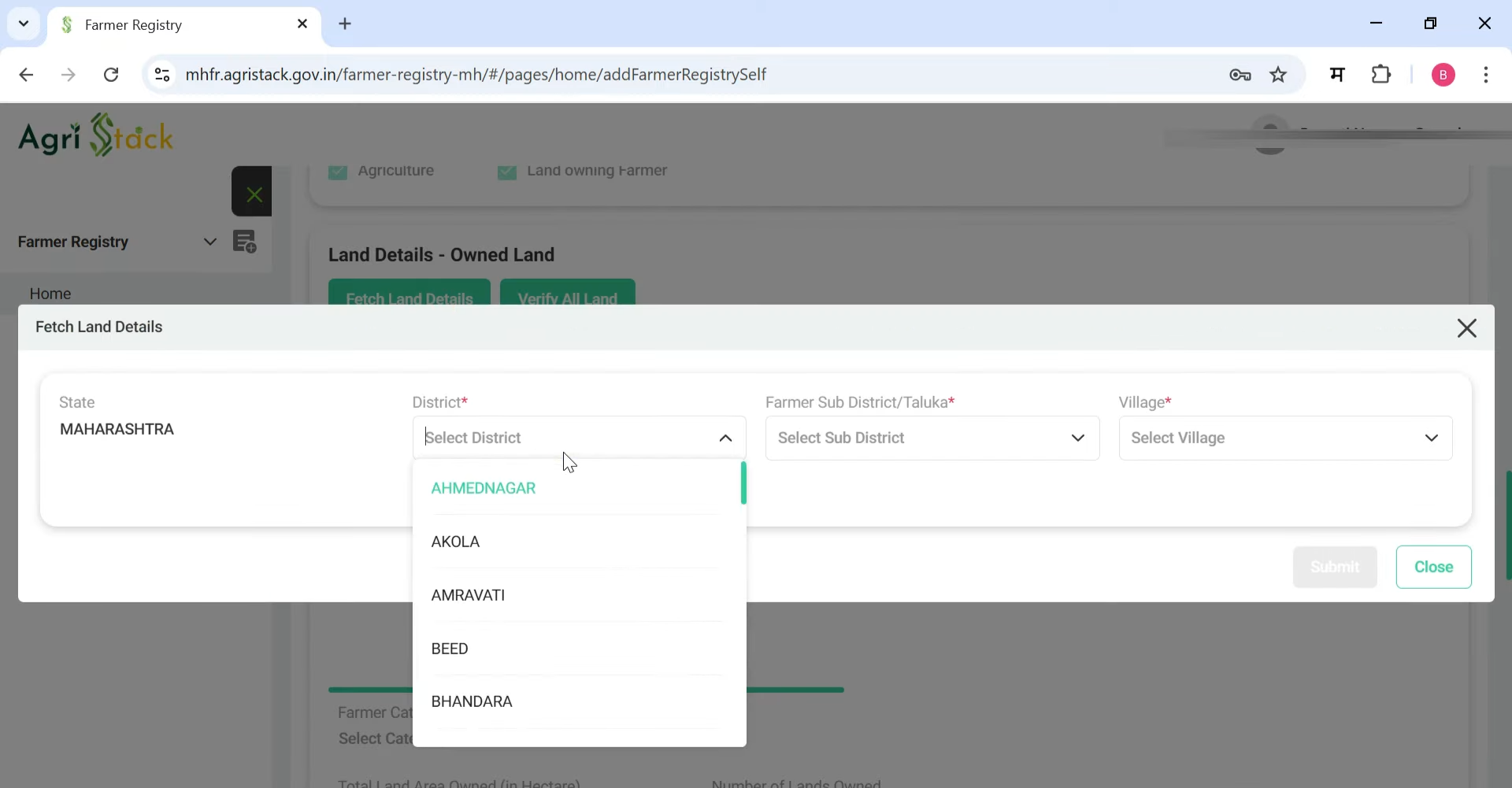
- Click Fetch Land Details.
- Select your district, taluka, and village where your land is.
- Enter your Kasara number (account number) or group number. If your name doesn't show, click My name is not there in the list of owners and wait.
- Select your survey numbers. Your name, land area (in gunthas and hectares), and group number should appear.
- Check the box to confirm details. Select Agriculture or Non-Agriculture for land type.
- If you have more land, click Fetch Land Details again and add all group numbers.
- Click Verify All Land.
Step 8: Upload Documents
Upload scanned copies of:
- Aadhaar card
- Land records (7/12 and 8A documents)
- Bank passbook
- Passport-size photo
Step 9: Submit and e-Sign
Scroll down. If "Social Registry Details" are blank, it's okay. Click Departmental Approval Revenue if shown. Check the consent box, click Save, then Proceed to e-Sign. Enter your Aadhaar number, click Send OTP, and enter the OTP sent to your Aadhaar-linked mobile. Once verified, you'll see options: Re-KYC, Reset, or Download PDF.
Step 10: Download Your Receipt
Click Download PDF to save your Farmer Enrollment ID. Keep this PDF safe—it has your enrollment number.
Register Through Common Service Centers (CSCs)
If online is hard, visit a CSC:
- Find a CSC using the CSC locator
- Bring all documents
- CSC staff will help with registration
- A small fee may apply
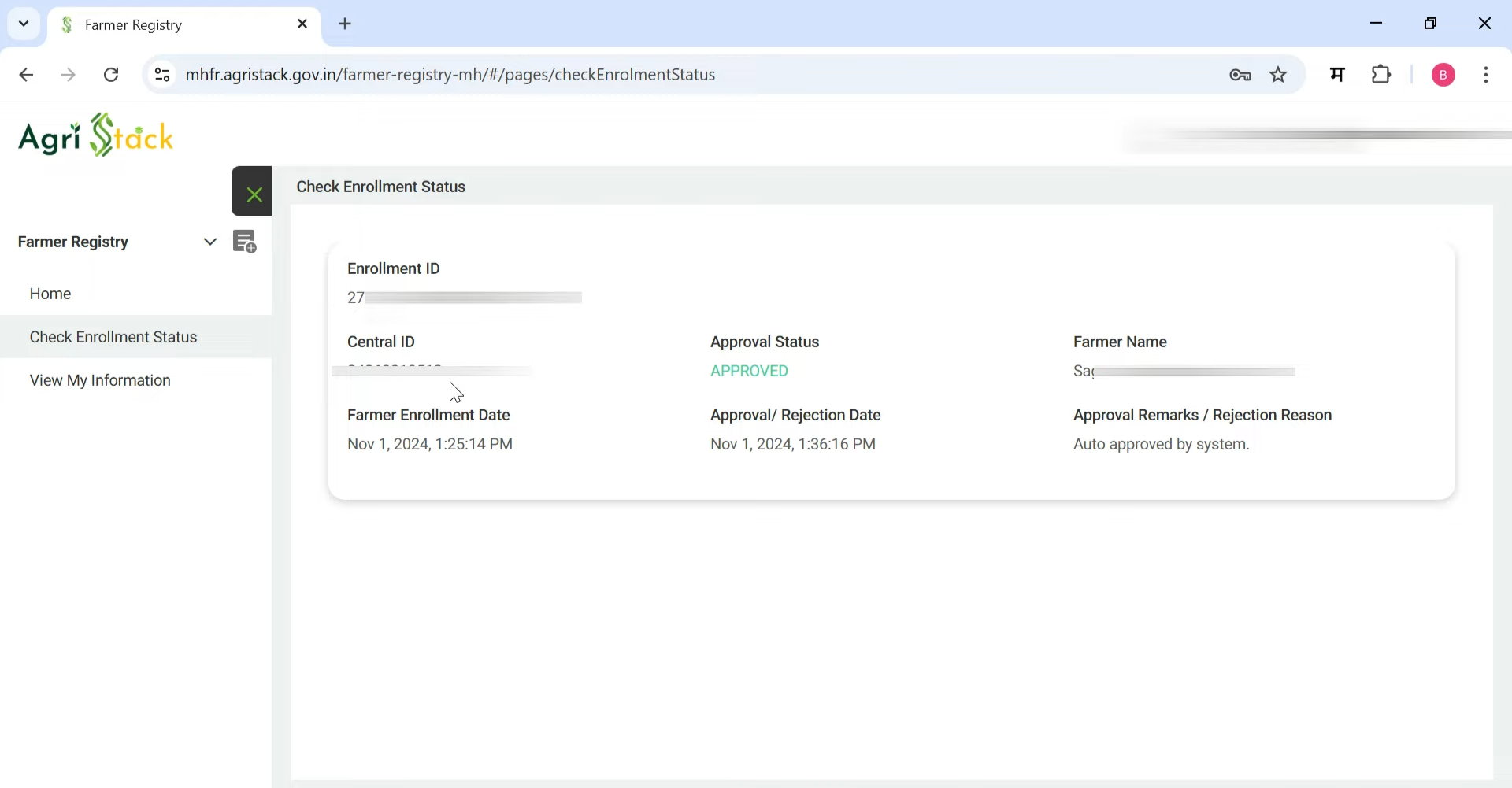
Check Application Status
- Go to mhfr.agristack.gov.in
- Click "Check Enrollment Status"
- Enter Aadhaar number, Farmer ID, or Enrollment ID
- See your status:
- Pending: Being checked
- Approved: ID is ready
- Rejected: Fix errors and reapply
After Getting Your Farmer ID
Your Farmer ID is key for PM Kisan, crop insurance, and other schemes, so get it done soon! Once approved (usually 7-15 days), use your Farmer ID to:
- Log in to the MahaDBT portal and apply for schemes.
- Track payments and benefits.
- Update your profile as needed.
Important Tips
- Registration is free online.
- Update land records at the Tehsil office if incorrect.
- Download the Farmer Registry MH app from Google Play Store for easy access.
- Add all your land parcels during registration.
- For help, call 020-25712712 or contact your local agriculture officer.
Frequently Asked Questions (FAQs)
Who can apply for Maharashtra Farmer ID?
Farmers who own or cultivate land in Maharashtra and are at least 18 years old can apply.
How long does it take to get a Farmer ID?
The application process and verification usually take 7-15 working days.
Is registration free?
Yes, online registration is completely free. CSCs may charge a small service fee.
Can tenant farmers apply?
Yes, but they need a lease agreement or permission from the landowner.
What if my land records are outdated?
Update your land records at the Tehsil office before applying for Farmer ID.
Which schemes can I access with Farmer ID?
You can access PM-KISAN, Kisan Credit Card, crop insurance, MSP benefits, fertilizer subsidies, and over 100 other farming programs.